Peach Payments
mSDK v2 · Ad Campaign Plan
JUL 2026
Proposal · For team reviewLinkedIn · 6 weeks · R50 000

From scroll
to booked
demo.

The launch ad campaign for Peach Payments mSDK v2: both carousels running as LinkedIn ads, driving decision-makers and product teams to the demo request page. Four campaigns, one landing page, six weeks, every rand tracked.

01

The numbers

First campaign for the team, so we anchor on honest expectations before a rand is spent.

LinkedIn is the most expensive social platform, and the only one where we can target by job title. R50 000 buys roughly 550 to 1,100 clicks at South African rates. A demo booking page converting at a typical 2 to 5% lands us at 20 to 35 booked demos.

R50 000
Total budget (~$2,750) · about R1 200/day over 6 weeks
550–1,100
Expected clicks at R45–R90 CPC (SA runs below the $5–7 global average)
20–35
Target booked demos at a 2–5% landing page conversion rate
< R2 500
Target cost per demo (B2B benchmark: $60–150 per lead)
≥ 0.5%
Target CTR · LinkedIn sponsored content pass mark is 0.44%
1 deal
One enterprise merchant win repays the whole campaign many times over
Key campaign optimisations

How we plan to hit those numbers

Three levers that go beyond the original brief. Each one is cheap or free to pull, and each moves the cost-per-demo math in our favour.

Tip 01 · Free A/B test

Single-image ads beside the carousels

LinkedIn's algorithm favours single-image ads, so the strongest slides from each carousel also run standalone. Same creative spend, extra delivery, and a built-in test of carousel vs single image.

Built into C1 & C2 · Section 02
Tip 02 · ~4× cheaper clicks

Thought Leader Ads

A personal mSDK v2 launch post from Rahul, boosted, costs roughly a quarter of standard sponsored content per click with ~1.7× the CTR. The strongest extra idea in the plan, if we get his buy-in.

Open call · Section 08
Tip 03 · ~3× conversion fallback

Lead Gen Forms, held in reserve

LinkedIn's native forms convert about 3× better than landing pages, but deliver a contact to chase instead of a self-booked demo. If landing page conversion is under 2% by week 3, we switch the best campaign over.

Open call · Section 08
Judge on quality, not volume. The scoreboard is demos that turn into sales conversations, not raw lead count. Sales feedback on lead quality is part of the week-6 wrap report.
02

Four campaigns

Two cold audiences, a cheap awareness feeder, and the retargeting layer that usually books the cheapest demos.
C1

Demo requests · Decision makers

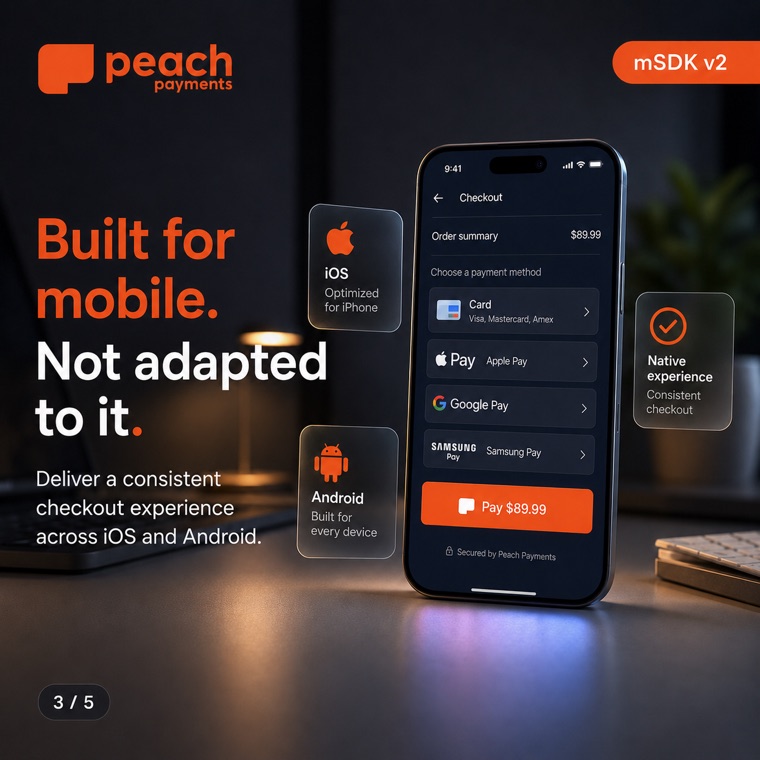
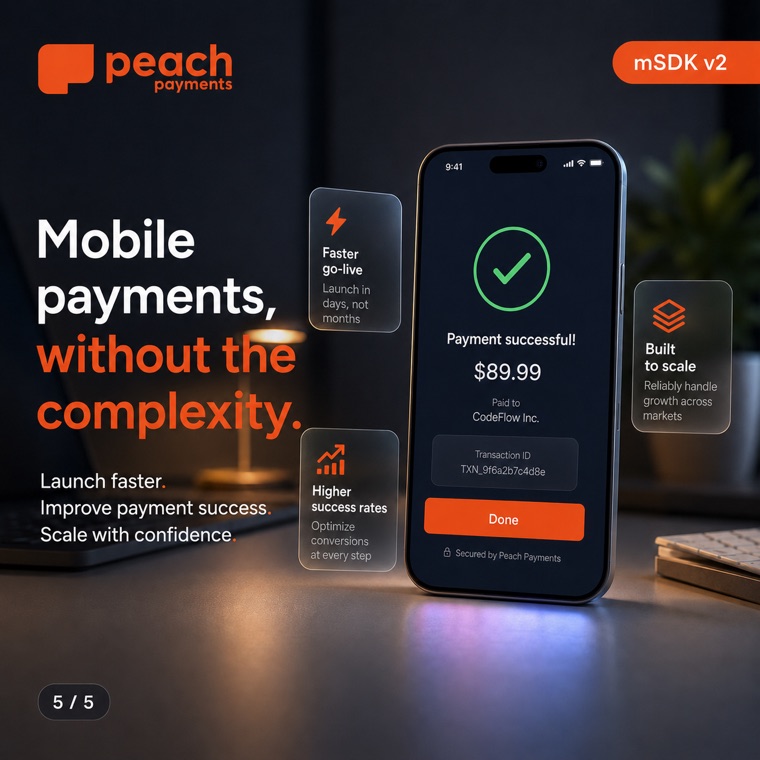
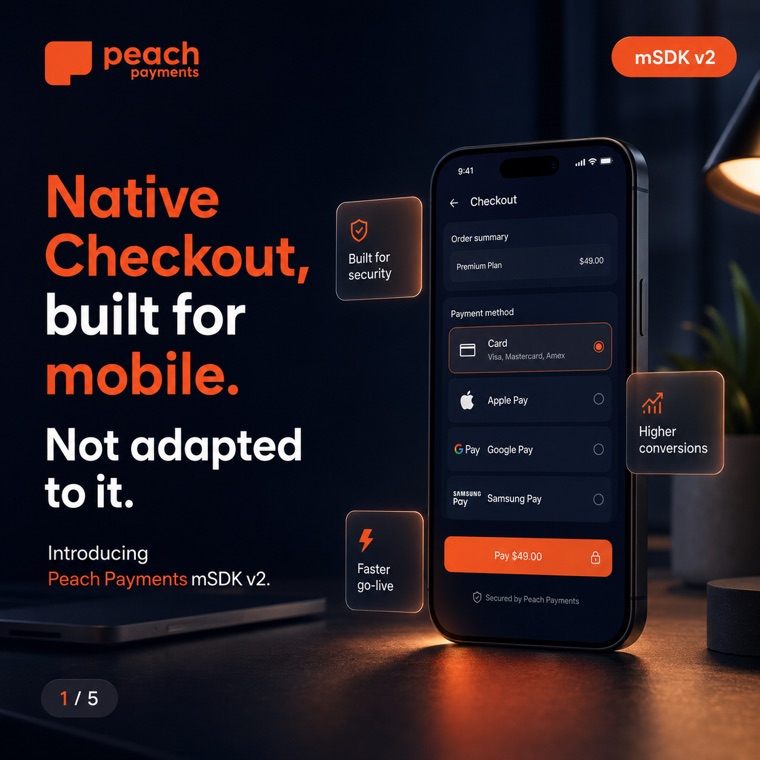
The decision-maker carousel as a LinkedIn carousel ad, plus slides 1 and 5 running standalone as single-image ads. Single images often out-deliver carousels, and running both gives us a built-in creative test. Objective: website conversions (demo booked).

Carousel2× single imageWeeks 1–6
R17 500
35% of budget
C2

Demo requests · Product & tech leaders

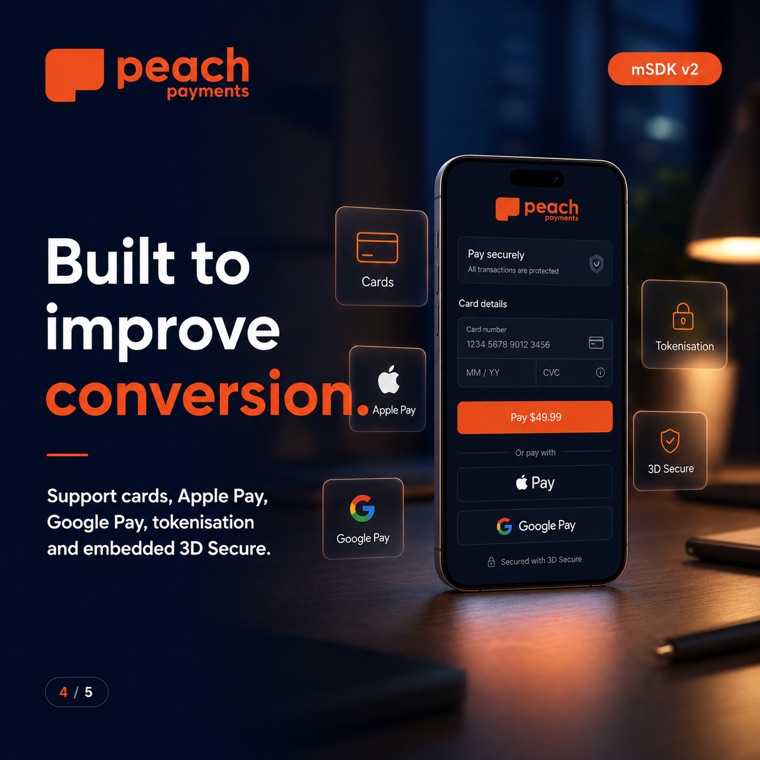
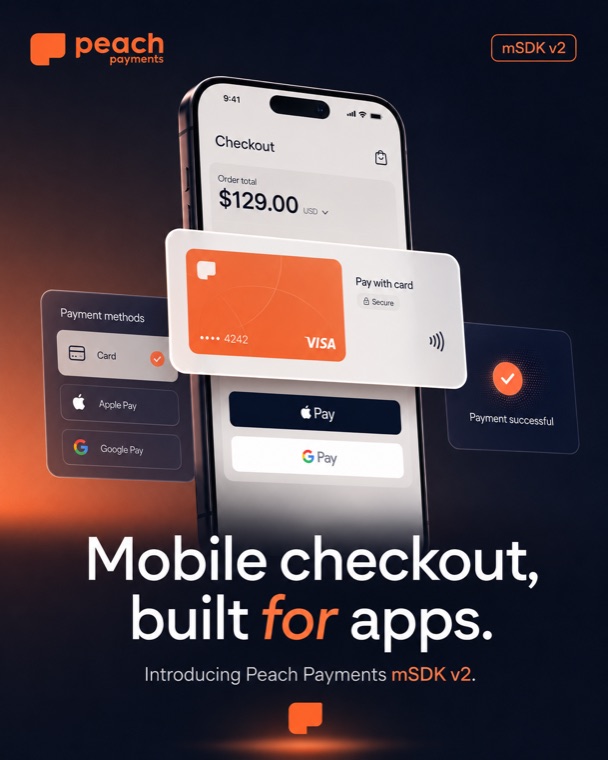
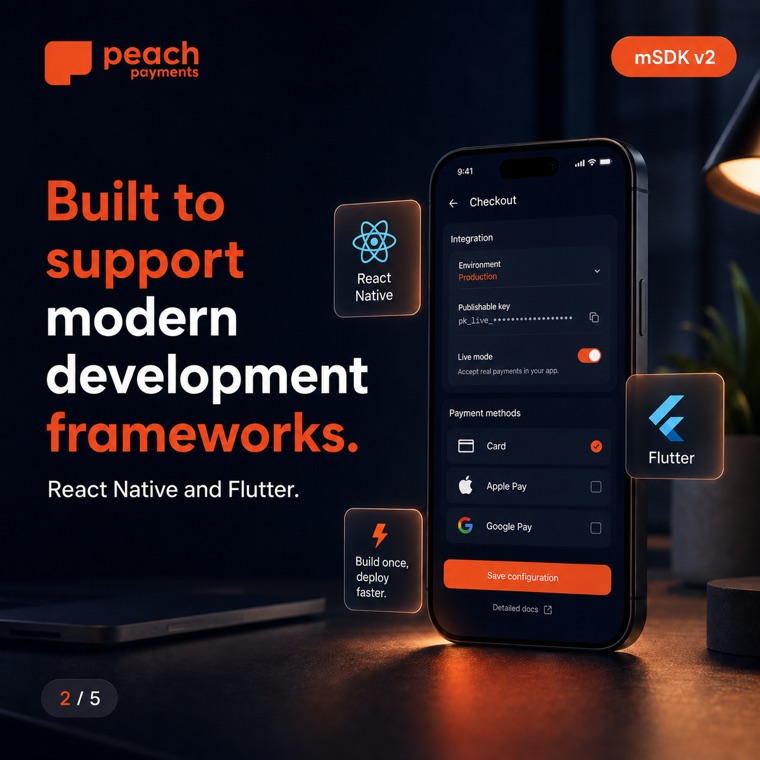
The developer carousel, plus "Mobile checkout, built for apps" and the React Native / Flutter card as standalone single-image ads. Same objective, different audience: the people who will actually integrate the SDK.

Carousel2× single imageWeeks 1–6
R12 500
25% of budget
C3

Video awareness feeder

20–30 second cutdowns of the demo video (the full 2:54 is too long for a cold feed). Objective: video views. This is the cheap top of the funnel that fills the retargeting pool for C4.

3× video cutdownCaptions onWeeks 1–6
R7 500
15% of budget
C4

Retargeting

Site visitors (30 days) plus anyone who watched 25%+ of the video. Warm audience, so the full demo video is allowed here alongside the strongest carousel. Launches week 3 once the pools are big enough.

Best carouselFull videoWeeks 3–6
R10 000
20% of budget
+

Reserve

Held back, then poured into whichever campaign has the best cost per demo in weeks 5–6.

Winner takes it
R2 500
5% of budget
Why carousel ads and not Document Ads? Carousel image ads (2–10 cards, 1080×1080) let every card click through to the demo page with its own tracking. Document Ads get more engagement but bury the click-through; they suit gated content, not a demo CTA. If carousel CTR disappoints by week 3, we test the same five slides as a Document Ad against it.
03

The creative

Concept designs shown, not final. Click any card to view full size.

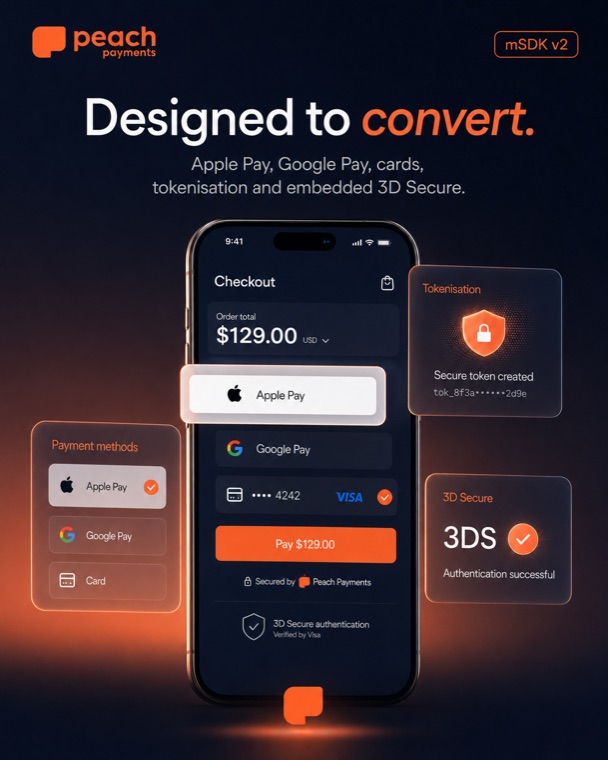
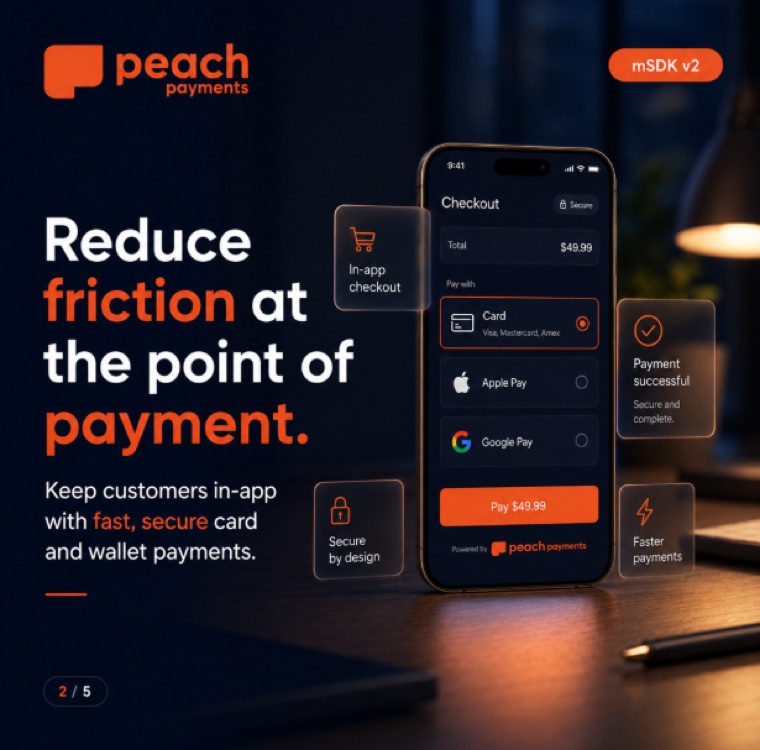
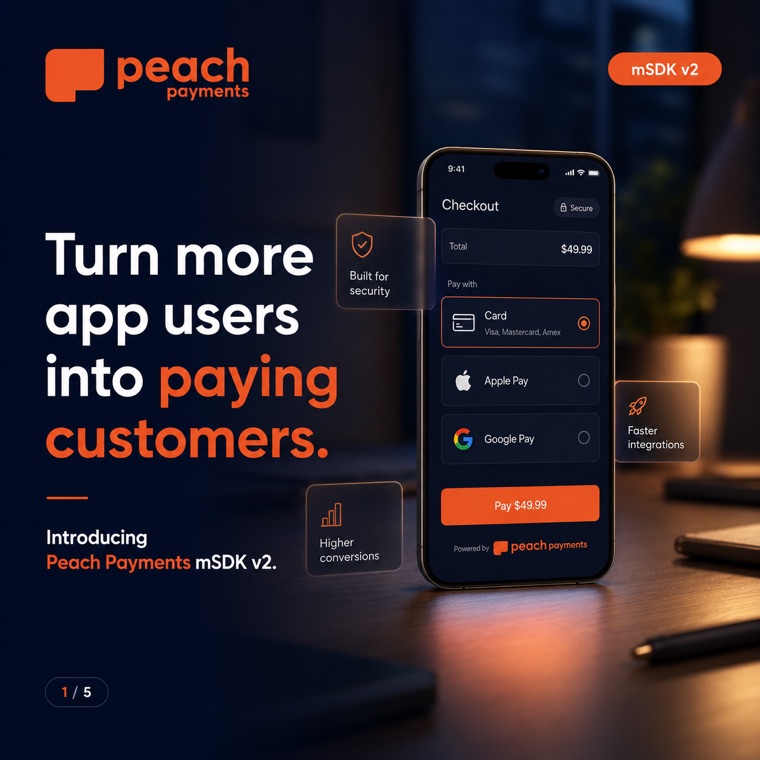
Decision-maker carousel

C1 · Commercial story
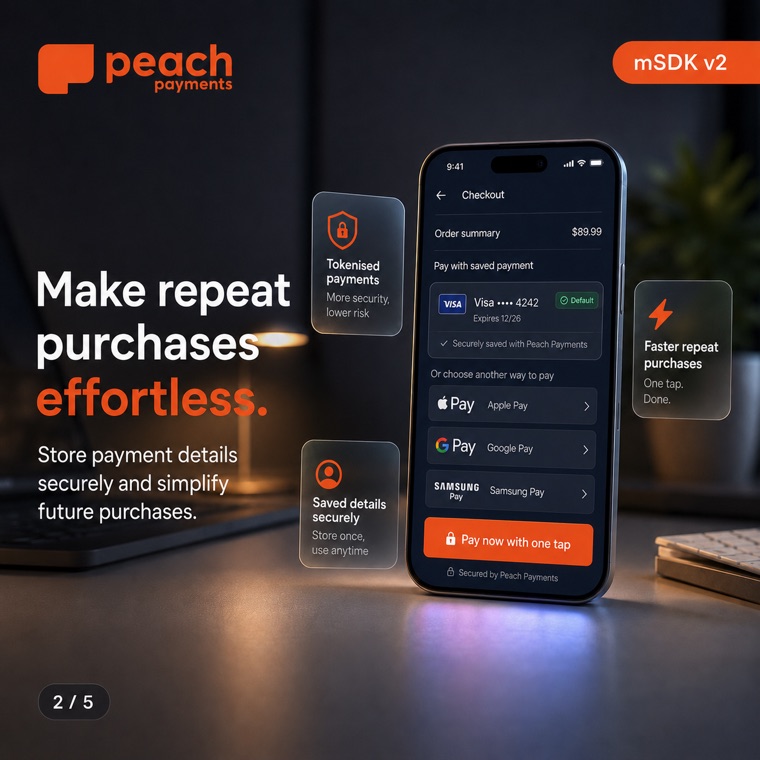
Developer carousel

C2 · Product & integration story · shown in brief order
Production QA before export: every card 1:1 at 1080×1080 (LinkedIn crops mixed ratios), slide badges corrected to the brief order above, and files renamed to match so the cards upload in sequence. Per-card headlines max 45 characters.

Video cutdowns

C3 · From the 2:54 demo film
01

No redirects, no drop-offs

The Nosh native-checkout beat. Google Pay in seconds, payment UI matching the merchant brand.

02

One codebase, every device

The wallet top-up beat. React Native and Flutter, Apple Pay and Google Pay from a single API.

03

Saved cards, secured

The Wander beat. Tokenised repeat purchases and embedded 3D Secure that stays on-brand.

Captions burned in (most of the feed watches muted), logo and mSDK v2 badge visible from second one. The full film's best job is embedded on the demo landing page and in retargeting, where the audience is already warm.
04

Who sees it

South Africa first. Kenya and Mauritius can follow as a separate ad set once we have a baseline.
C1 · Decision makers

The people who sign

  • Titles: CEO, Founder, Co-Founder, MD, CCO, CDO, Head of E-commerce, Head of Digital, Product Director, Head of Payments
  • Seniority: Director and above
  • Company size: 51+ employees
  • Verticals: retail, food delivery, travel & hospitality, financial services, marketplaces, on-demand services
C2 · Product & tech leaders

The people who build

  • Titles: CTO, VP Engineering, Head of Mobile, Head of Engineering, Engineering Manager, Mobile Lead, Product Manager, Head of Product
  • Seniority: Manager and above
  • Company size: 51+ employees
  • Verticals: same six as C1, mirroring the demo film's Nosh / Sideline / Wander worlds
Audience Network: OFF Audience expansion: OFF Bidding: manual CPC Audience size: 20k–80k per ad set Exclude: competitors · Peach staff · existing customers Geo: South Africa
The three highlighted settings are where first-time LinkedIn advertisers get burned: the Audience Network wastes spend on junk inventory, expansion dilutes the targeting we're paying a premium for, and the default Maximum Delivery bidding is the platform's most expensive option. If the audience estimate drops under ~20k, loosen job titles before touching seniority.
Sharper targeting in progress. Alongside job-title targeting, we're building a Matched Audience of South African companies that run consumer payment apps, so the ads can hit named accounts directly. Live research and the shortlist to review: the target-list page →
05

Every rand tracked

All free, roughly a day of work, and non-negotiable: without it we never learn which ad produced which demo.
1

LinkedIn Insight Tag

One JS snippet on all of peachpayments.com (Campaign Manager → Analyze → Insight Tag; same install pattern as GA). Unlocks conversion tracking and the website retargeting audiences C4 depends on.

2

A "demo booked" conversion

The demo page books a time slot, so there must be a distinct confirmation state, a thank-you URL or event that fires only on a completed booking. If the embedded scheduler can't produce one, we add a thank-you page. This is the single number the whole campaign optimises toward.

3

UTM parameters on every ad URL

Plain UTMs are the "tracking links", no shortener needed. They surface the traffic split in Rybbit and GA4:

?utm_source=linkedin &utm_medium=paid_social &utm_campaign=msdk-v2-launch &utm_content=dm-carousel | dev-carousel | dm-single-1 | retarget-video …
4

Test the funnel end to end

Before any spend: click a UTM link on production, book a test demo, confirm the conversion fires in Campaign Manager and the session shows in Rybbit with the right source. Landing page quick wins while we're there: embed the demo film on the page, move the merchant logos (Samsung, Lacoste, Superbalist…) above the fold, and check mobile load speed, most LinkedIn clicks are mobile.

06

Opening lines

Intro text under 150 characters (LinkedIn truncates beyond that on mobile). Headlines mirror the carousels for message match.
C1 · Decision makers

"Every redirect at checkout costs you paying customers. mSDK v2 keeps them in your app, from tap to payment confirmed."

Turn more app users into paying customers
CTA · Request demo
C2 · Product & tech

"One SDK for iOS and Android. React Native and Flutter support, native checkout, tokenisation and embedded 3D Secure built in."

Mobile checkout, built for apps.
CTA · Request demo
C4 · Retargeting

"You've seen what mSDK v2 can do. See it live on your own use case, 30 minutes with our team."

Book your mSDK v2 live demo
CTA · Request demo
07

Running it

Fifteen minutes twice a week is enough, if we follow two kill rules and resist fiddling.
Week 1Hands off

Check daily that money is moving and conversions record, but change nothing for seven days. Every edit resets LinkedIn's learning phase and burns budget.

Weeks 2–62× weekly · 15 min

Two rules, applied without sentiment: pause any ad under 0.30% CTR after ~5,000 impressions, and pause any campaign whose cost per demo passes 3× target (R7 500) with spend to prove it. Frequency above ~4/month per audience means refresh creative or widen the audience.

Week 3Retargeting on

Launch C4 once the video-viewer and site-visitor pools are big enough. First budget shift: move spend from the weaker cold campaign into the stronger one.

Week 5Back the winner

Second shift: the R2 500 reserve plus any loser budget goes to the best cost-per-demo campaign. Check the demographics report, which titles and companies actually clicked sharpens round two.

Week 6Wrap report

Spend, clicks, CTR, demos, cost per demo, plus sales feedback on lead quality. That report, not gut feel, decides whether the campaign renews.

08

Open calls

Four decisions for the team. The plan assumes the recommendation on each; all are easy to change before launch.
Decision 01

Six weeks, or shorter?

Six weeks gives the algorithm time to learn and us two clean optimisation passes. A shorter burst concentrates budget but we learn less for the next campaign.

Recommended: 6 weeks
Decision 02

Thought Leader Ads?

Boosting a personal mSDK v2 launch post from Rahul costs roughly a quarter of standard sponsored content per click, with ~1.7× the CTR. Needs his willingness to publish. Cheapest reach in the whole plan if we can get it.

Recommended: yes, carve from C3
Decision 03

Lead Gen Forms fallback

LinkedIn's native forms convert ~3× better than landing pages, but deliver a contact to chase instead of a self-booked demo slot. Only reach for this if landing page conversion is under ~2% by week 3, and only if sales commits to same-day follow-up.

Recommended: hold as fallback
Decision 04

Beyond South Africa?

Kenya and Mauritius are in-market for Peach but have thinner LinkedIn inventory. Adding them later as a separate ad set keeps the SA baseline readable.

Recommended: SA only for round one
And post it all organically first. Both carousels go up as PDF document posts on the company page and employee profiles in launch week. Free reach, and it warms the retargeting pool before a rand is spent.
09

Before launch

Nothing goes live until every box is ticked.
Related: mSDK launch video project notes →
Sources · Benchmarks & format specs